Creating a home office that is both productive and comfortable can make a huge difference to your work experience. Whether you work remotely full-time, occasionally, or are managing a side project, the right environment supports focus, reduces stress, and helps separate work life from home life.
In this post, we’ll explore practical tips for setting up a workspace that encourages productivity while prioritising comfort.
Choose the Ideal Location
Finding the right spot in your home is the first step to a successful home office.
– Quiet and private: Look for a space where you can minimise distractions, whether from family members, pets, or household noise.
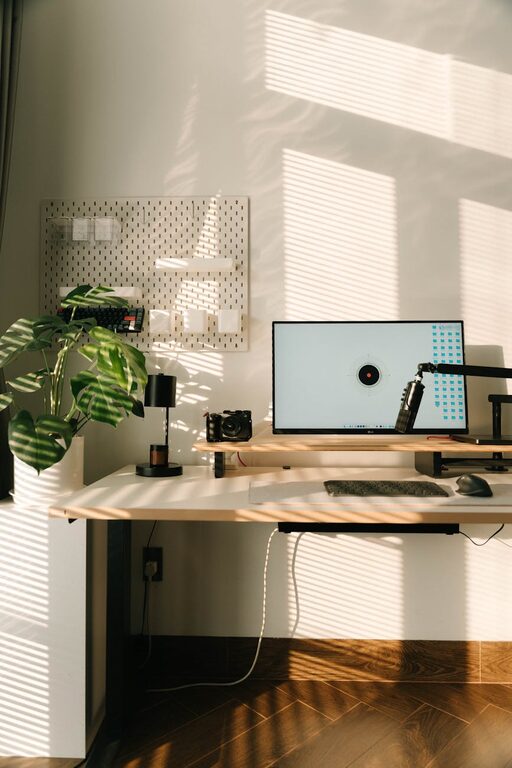
– Natural light: Try to position your desk near a window. Natural daylight can improve mood and alertness.
– Space considerations: Make sure there’s enough room for your desk, chair, and essential equipment without feeling cramped.
If you don’t have a dedicated room, consider creative options such as a partitioned corner or a small nook.
Invest in Ergonomic Furniture
Comfort is key when you spend hours at a desk. Ergonomic furniture helps maintain good posture and reduces fatigue.
– Ergonomic chair: Choose a chair that supports your lower back and allows your feet to rest flat on the floor or a footrest.
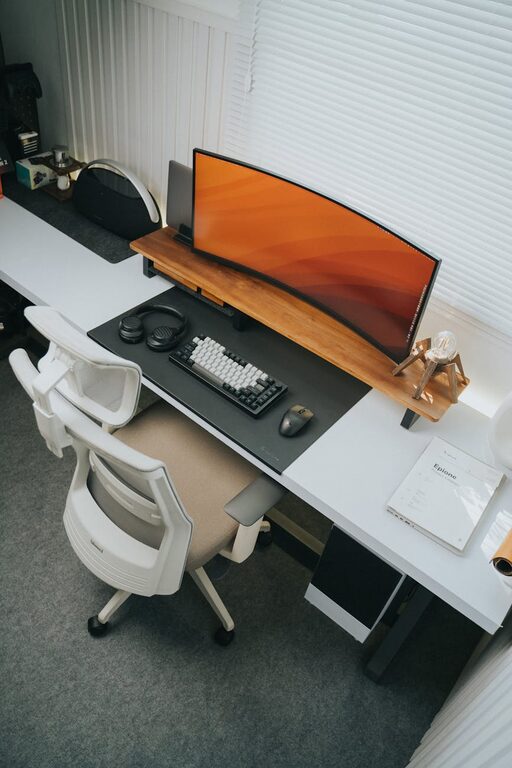
– Adjustable desk: If possible, use a desk with adjustable height or consider a sit-stand desk to vary your position during the day.
– Monitor placement: Position your monitor at eye level about an arm’s length away to avoid neck and eye strain.
– Keyboard and mouse: Use an ergonomic keyboard and mouse setup to reduce wrist strain.
Organise Your Space Effectively
A tidy workspace reduces distractions and helps keep your mind clear.
– Declutter regularly: Remove unnecessary items from your desk at the end of each day.
– Storage solutions: Use shelves, drawers, and organisers to keep documents and supplies in order.
– Cable management: Tidy cables with clips, sleeves, or boxes to avoid a messy look.
Use Lighting That Supports Focus
Proper lighting improves visibility and reduces eye strain.
– Layer lighting: Combine natural light with overhead and task lighting. A desk lamp with adjustable brightness is ideal.
– Avoid glare: Position screens to prevent reflections from windows or lights.
– Warm vs cool light: Use cooler white lights during the day to boost alertness and warmer lights in the evening to help you wind down.
Minimise Noise and Distractions
Noise can be a major distraction when working from home.
– Soundproofing: Use rugs, curtains, and soft furnishings to absorb sound.
– White noise: Consider a white noise machine or apps that produce ambient sounds to mask disruptive noise.
– Communication: If you share your home, inform others of your working hours to reduce interruptions.
Personalise Your Workspace
Adding personal touches makes your workspace a pleasant place to spend time.
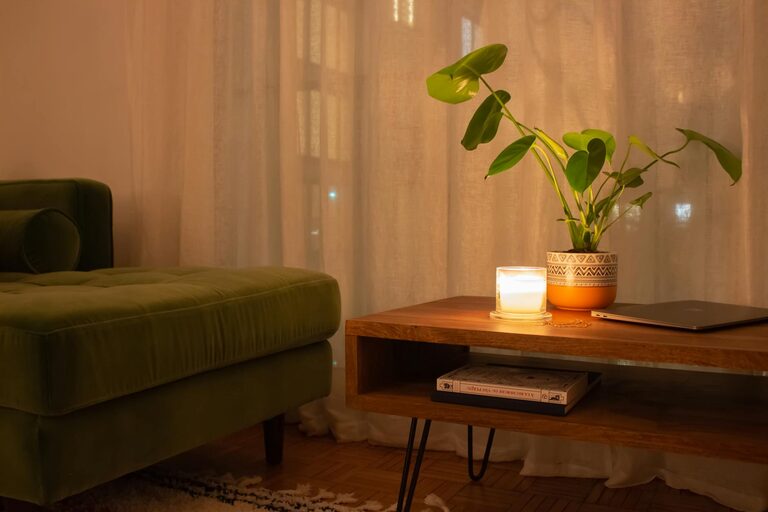
– Plants: Indoor plants improve air quality and create a calming atmosphere.
– Artwork: Photos or artwork that inspire you can enhance your mood.
– Comfort items: Keep a cosy blanket or cushion nearby for added comfort.
Maintain a Routine and Boundaries
Your workspace is more effective when supported by good habits.
– Set work hours: Define clear start and finish times to help separate work and relaxation.
– Take breaks: Regular breaks prevent fatigue. Step away from your desk every hour for a short rest.
– Stay organised: Plan your day with to-do lists or digital planners to maintain focus.
Keep Technology Updated and Comfortable
Technology is essential but should not cause discomfort or frustration.
– Reliable internet: Ensure your connection is stable for video calls and file transfers.
– Good-quality headset: Use headphones with a microphone for clearer communication.
– Screen settings: Adjust brightness and font size for comfort.
– Backup power: Consider a surge protector or uninterruptible power supply to protect your devices.
Final Thoughts
Creating an effective home office requires attention to both physical setup and your habits. Prioritising comfort through ergonomic furniture, good lighting, and personalisation sets a positive tone. Combining these with organisation, boundaries, and technology that works well can significantly boost your productivity.
Take time to assess your needs and experiment with your setup. A little effort invested now will pay off in a more enjoyable and efficient work-from-home experience.
About the Author