Creating a home office space that promotes productivity can make a significant difference to your work-from-home experience. Whether you’re a remote worker, a freelancer, or simply need a specific area for occasional tasks, a well-thought-out workspace helps you stay focused and comfortable throughout the day. Here are some practical tips to set up and maintain a productive home office.
Choose the Right Location
Find a Quiet Spot
Select a quiet corner or a separate room that minimises distractions. Avoid areas with high foot traffic or noisy appliances, if possible.
Consider Natural Light
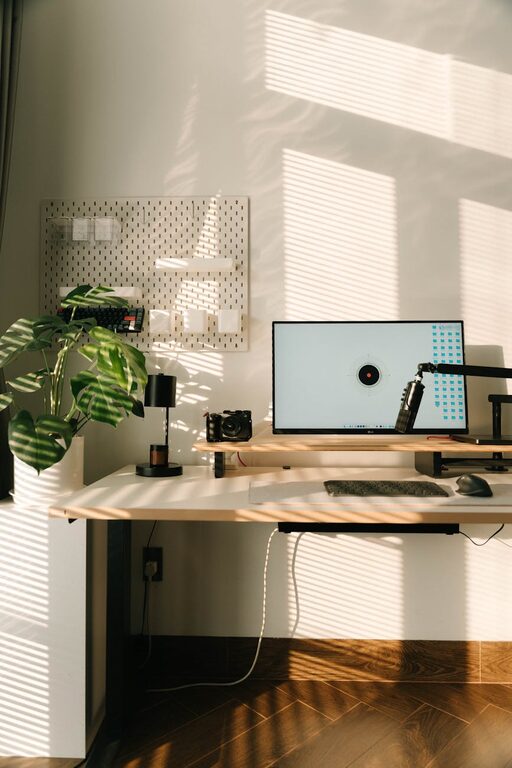
Wherever possible, position your desk near a window. Natural light boosts mood and concentration, but make sure to balance it with blinds or curtains to prevent glare on your screen.
Use Available Space Wisely
You don’t need a large area to be productive. Even a small nook can work well if thoughtfully organised.
Invest in Ergonomics
Comfortable Chair and Desk
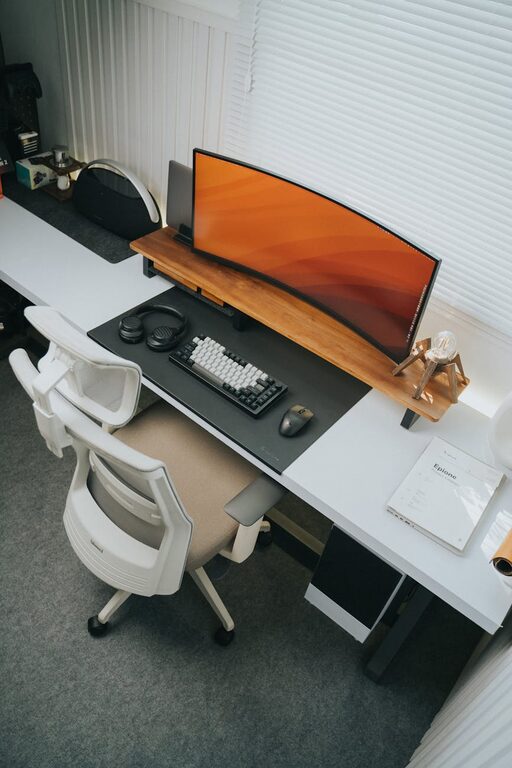
An adjustable chair with lumbar support helps prevent back pain. Pair it with a desk at the right height, so your arms rest comfortably when typing.
Monitor Placement
Set your computer screen at eye level, about an arm’s length away. This reduces neck and eye strain.
Keyboard and Mouse
Use ergonomic accessories if you spend long hours typing. They can reduce the risk of repetitive strain injuries.
Organise Your Workspace
Declutter Regularly
Keep your desk tidy by only having essentials on it. Clutter can be distracting and reduce productivity.
Storage Solutions
Use drawers, shelves, or storage boxes to keep paperwork and supplies organised and out of sight.
Cable Management
Use clips or ties to organise cables. A tidy workspace looks better and prevents tangling or accidents.
Optimise Lighting
Multiple Light Sources
Combine natural light with good artificial lighting. Desk lamps with adjustable brightness are excellent for detailed tasks.
Avoid Glare
Position lights to avoid reflections on your screen or overpowering brightness in your field of vision.
Create a Comfortable Environment
Temperature and Ventilation
Keep the room at a comfortable temperature and ensure good airflow to stay fresh and alert.
Personal Touches
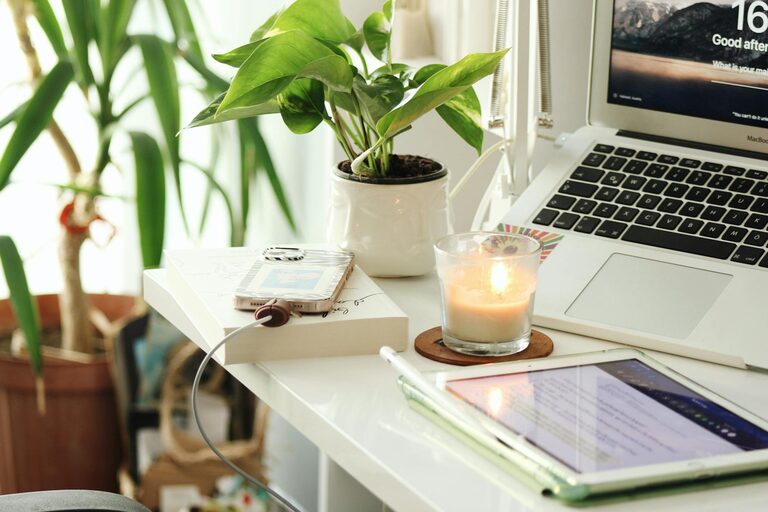
Include plants, artwork, or photos that inspire you. These elements make your space inviting without being distracting.
Set Clear Boundaries
Separate Work and Home Life
Establish designated work hours and try to stick to them. Let household members know your schedule to minimise interruptions.
End-of-Day Routine
Create a routine to ‘switch off’ from work. Tidying your desk or shutting down your computer signals the end of the day.
Use Technology Wisely
Reliable Internet Connection
A stable internet connection is essential for remote work and virtual meetings.
Noise-Cancelling Headphones
If you are in a noisy environment, these can help maintain focus during calls or intense tasks.
Productivity Tools
Use apps for time management, task organisation, and communication to stay on track.
Stay Active and Take Breaks
Regular Movement
Take short breaks to stretch or walk around. Sitting for long periods can affect your health and concentration.
Desk Exercises
Simple stretches or brief exercises can be done at your desk to keep energy levels up.
Personalise Your Setup
Adjust to Your Needs
Your workspace should adapt to your habits and preferences. Experiment with arrangements until you find what suits you best.
Keep It Fun
Incorporate elements that motivate you, such as inspirational quotes or a favourite mug, to make working enjoyable.
—
By following these tips, you can create a home office space that supports your productivity and well-being. Remember, the best workspace is one that fits your lifestyle and helps you stay focused, comfortable, and motivated.
About the Author